How to Redeem
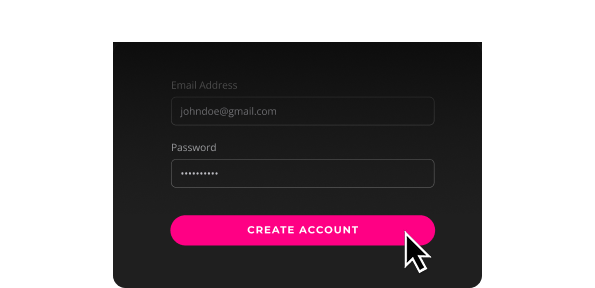
1. Create Account
Click ‘Get Started’ on the homepage banner and create your Yes 5G Gaming and GeForce NOW account.
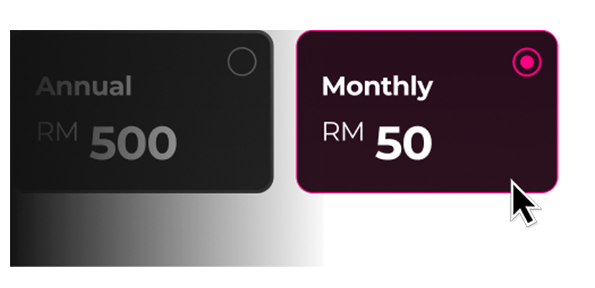
2. Choose Subscription
Select ‘Monthly Plan’ and proceed to purchase.

3. Redeem Gift Card
Enter, submit, and validate your gift card code at the ‘Review order’ page.
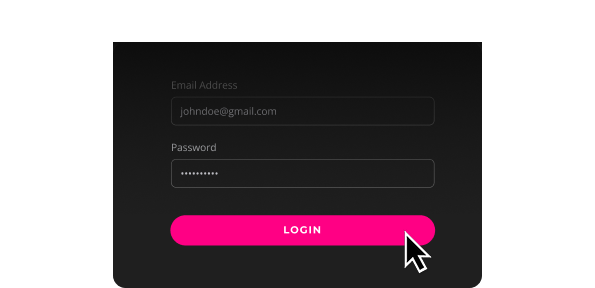
1. Account Log In
Log in to your Yes 5G Gaming and GeForce NOW account.
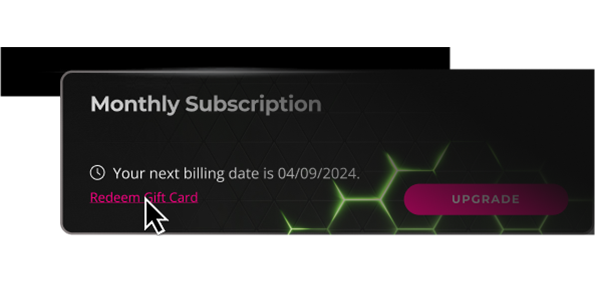
2. View Dashboard
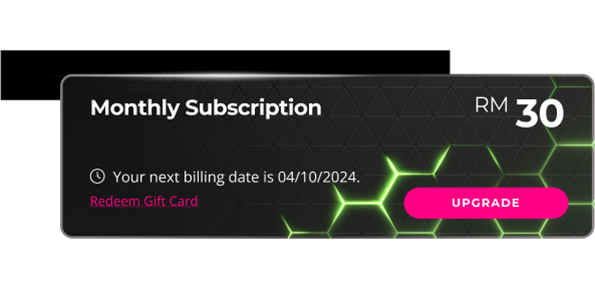
Go to your profile page and select ‘Redeem’ gift card under your next billing date.

3. Redeem Gift Code
Enter, submit, and validate your gift card code at the ‘Review order’ page.
4. Game On!
Enjoy extended game time on top of your active subscription.